
Connect Your Wallet
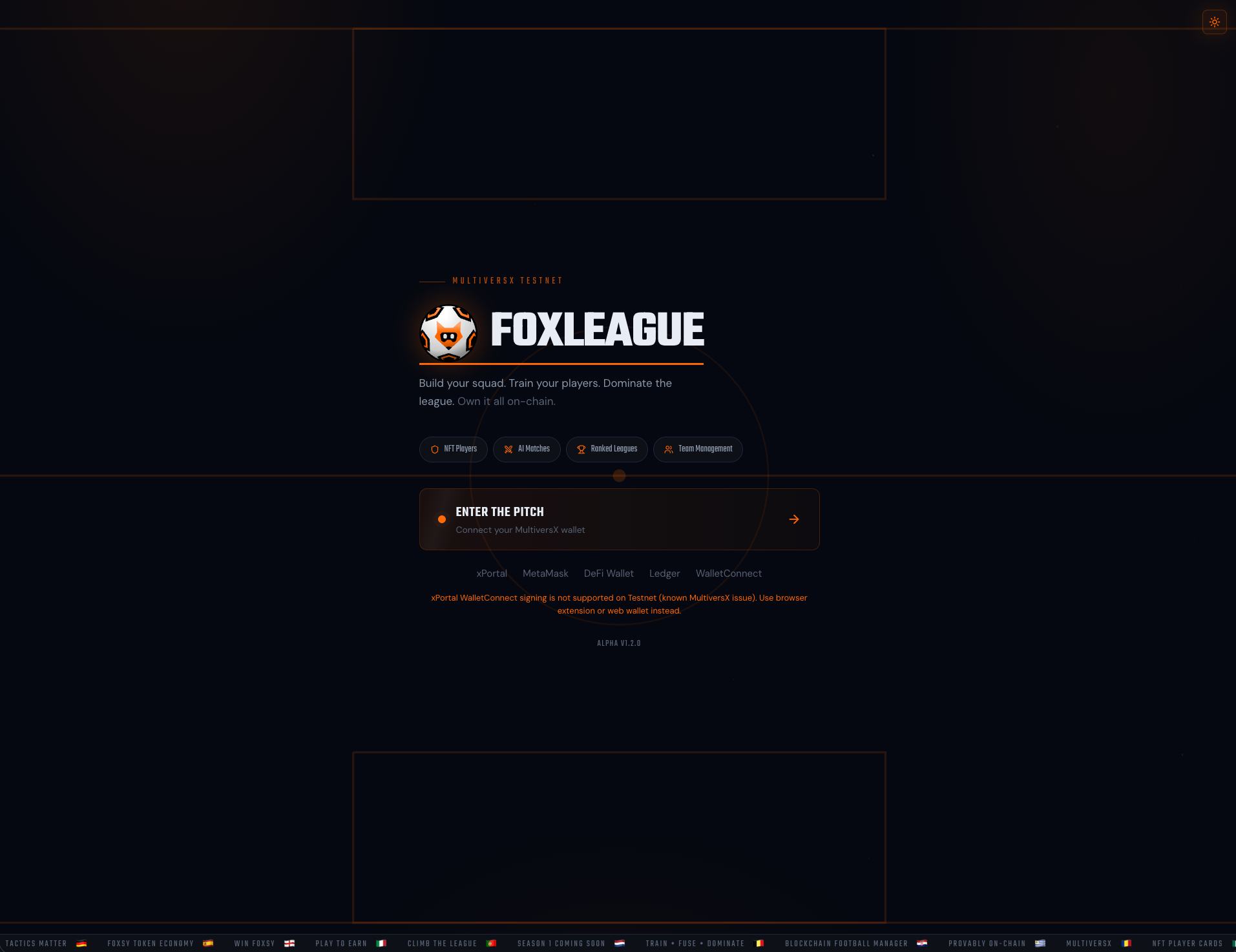
FoxLeague runs on the MultiversX testnet. You need a MultiversX wallet to play. No mainnet funds required. Testnet has its own free xEGLD faucet and the in-app Daily Faucet hands out FOXSY for everything else.
Supported wallets
Section titled “Supported wallets”| Wallet | Best for | Note |
|---|---|---|
| xPortal | Mobile users | The official MultiversX mobile wallet. Open the FoxLeague login from inside the xPortal app browser. QR-scan connections are currently unsupported on testnet, so use the in-app browser instead. |
| MetaMask | Crossover EVM users | Connect via the MultiversX snap. Familiar if you come from Ethereum. |
| MultiversX DeFi Wallet | Browser extension | Chrome/Firefox extension, fast for repeated sessions. |
| Ledger | Hardware security | Physical device, slower but most secure. |
| WalletConnect | Cross-app pairing | Currently unsupported on testnet. Please use one of the four options above instead. |
-
Go to next.foxleague.ai
-
Click ENTER THE PITCH
-
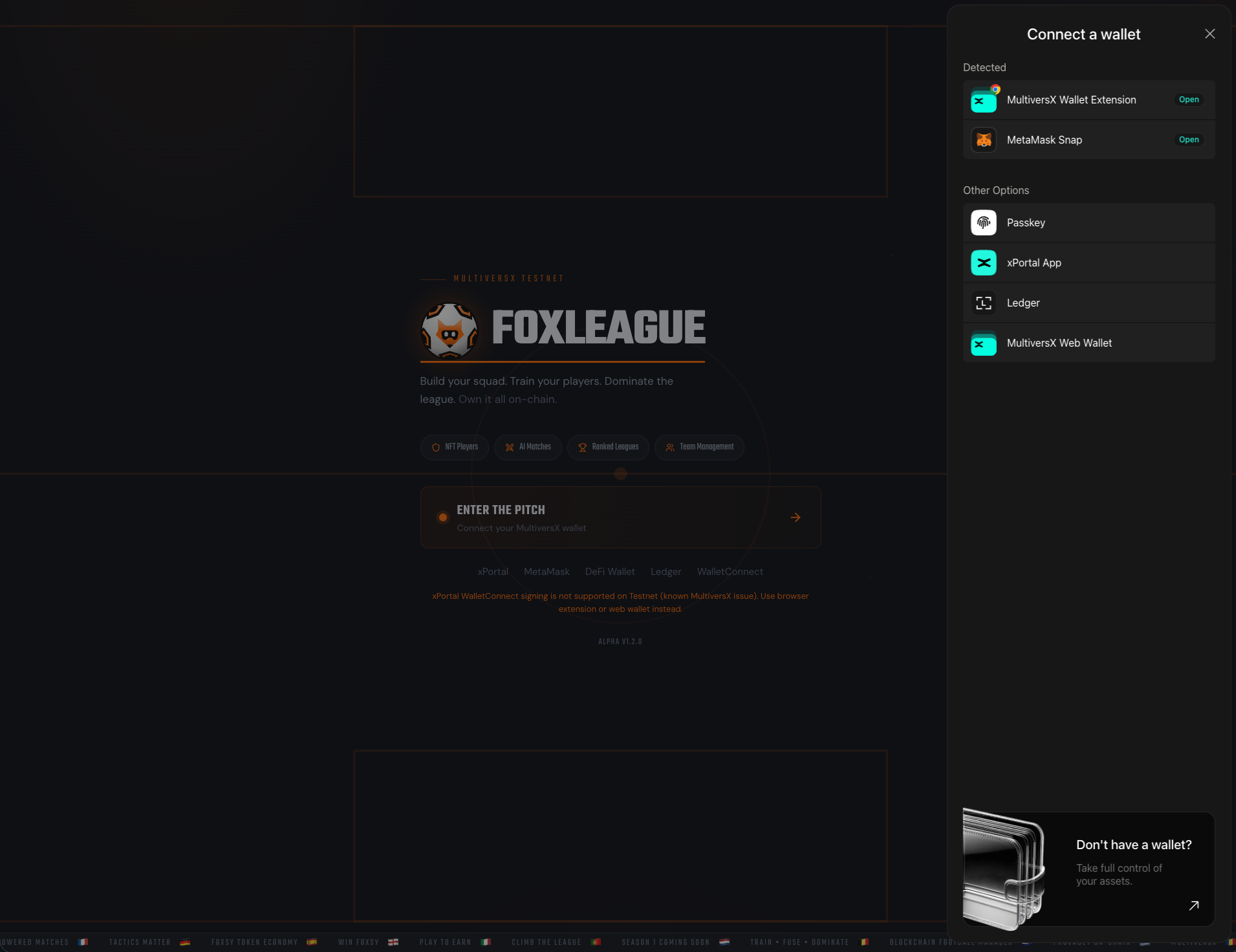
The wallet picker opens. Pick your provider:
-
Approve the connection request in your wallet
-
Sign the verification message. This proves you control the wallet but costs nothing
You’re in. The header shows your wallet address (truncated) and your in-game state.
Get test FOXSY (faucet)
Section titled “Get test FOXSY (faucet)”FOXSY is the in-game token. You’ll need it to mint players, train, sync, trade and many more. The faucet hands out a starter balance for free on testnet:
- Open the Dashboard tab (first item in the sidebar)
- Find the Daily Faucet card near the top
- Click Claim Faucet. A transaction appears in your wallet
- Approve it, wait ~30 seconds for confirmation
- Your FOXSY balance updates in the header
You can claim once per cooldown window. Watch for the next-claim countdown on the same card.
Trouble connecting?
Section titled “Trouble connecting?”- xPortal QR scan does nothing / freezes. QR-based connections are currently unsupported on testnet. Workaround: Open the xPortal mobile app, tap the in-app browser, navigate to
next.foxleague.aiand log in from there. The xPortal native session works fine. - WalletConnect signing fails. WalletConnect pairings are currently unsupported on testnet. Use the DeFi Wallet extension, MetaMask, Ledger or xPortal-in-app instead.
- “Sign message” loops. Clear your browser’s site data for
next.foxleague.aiand reconnect. - Wrong network. Make sure your wallet is set to testnet, not mainnet or devnet.